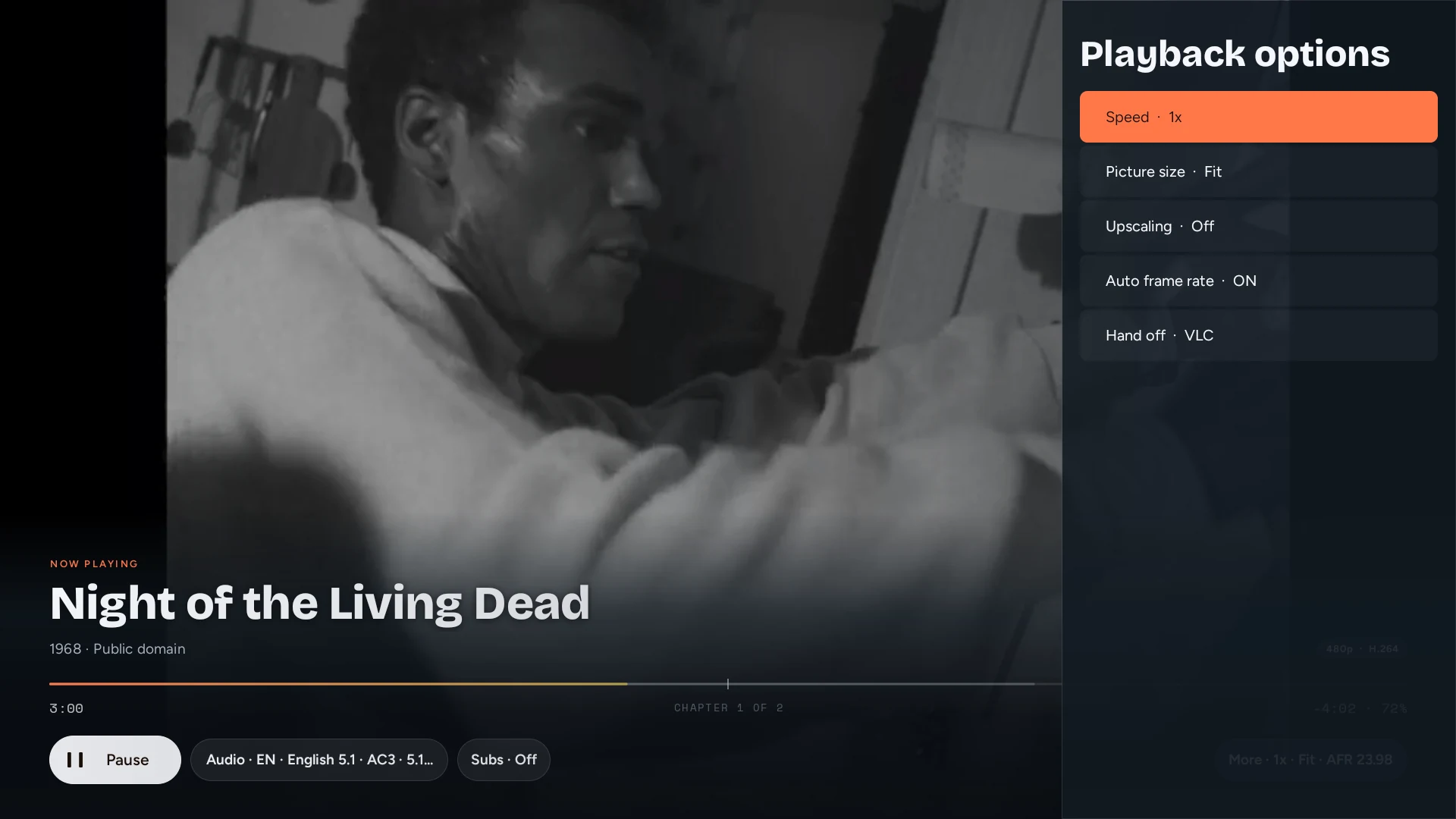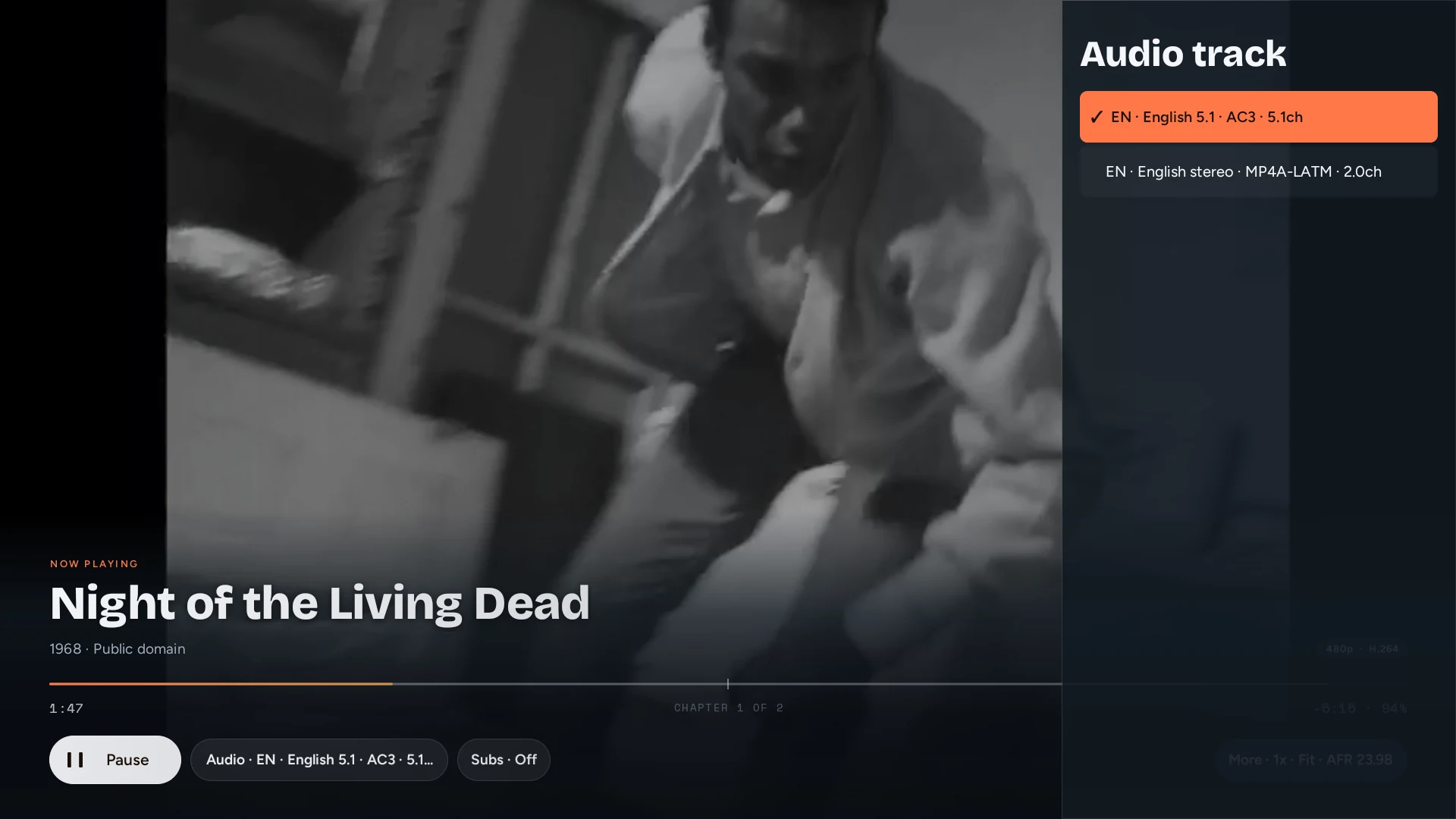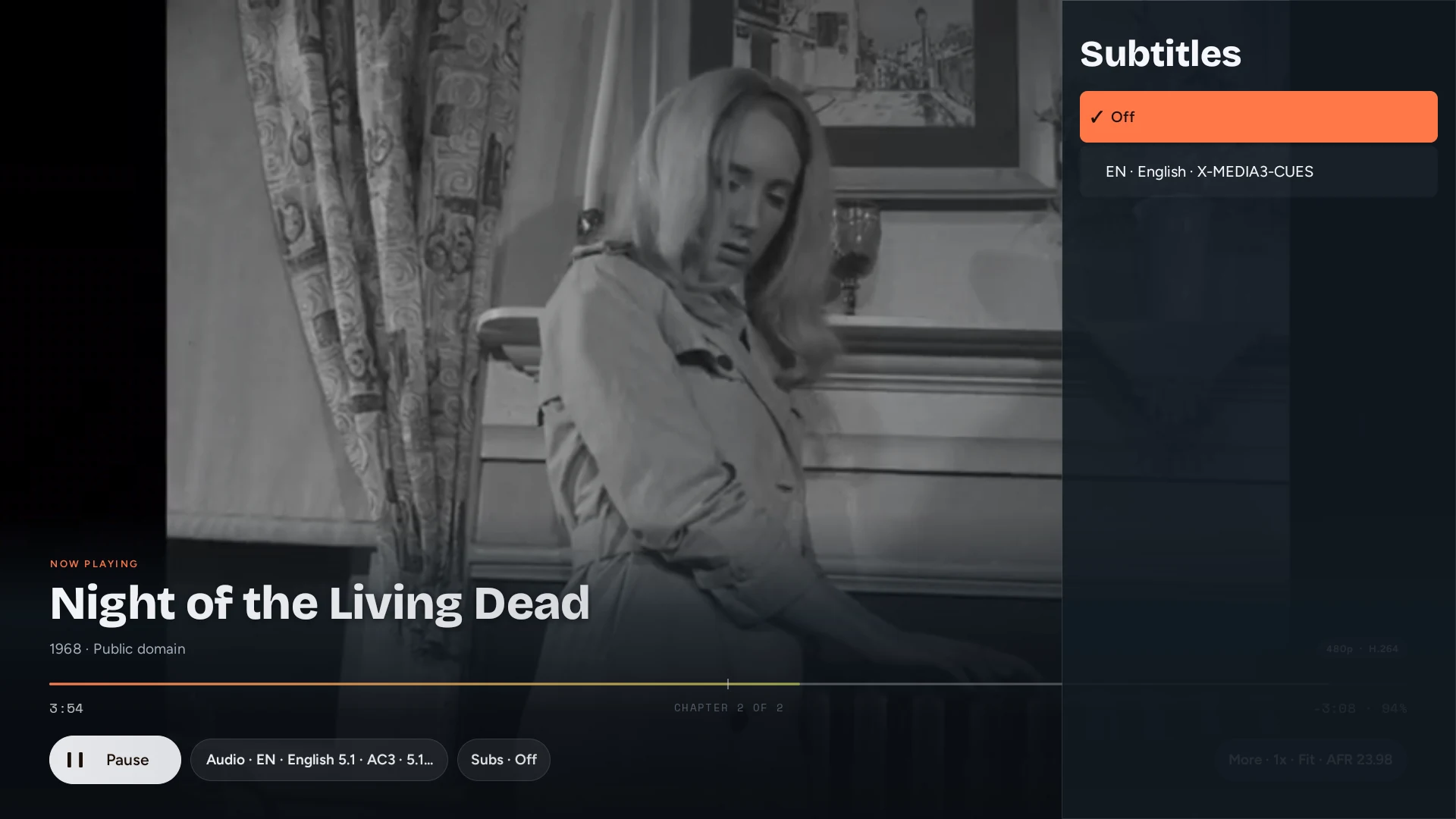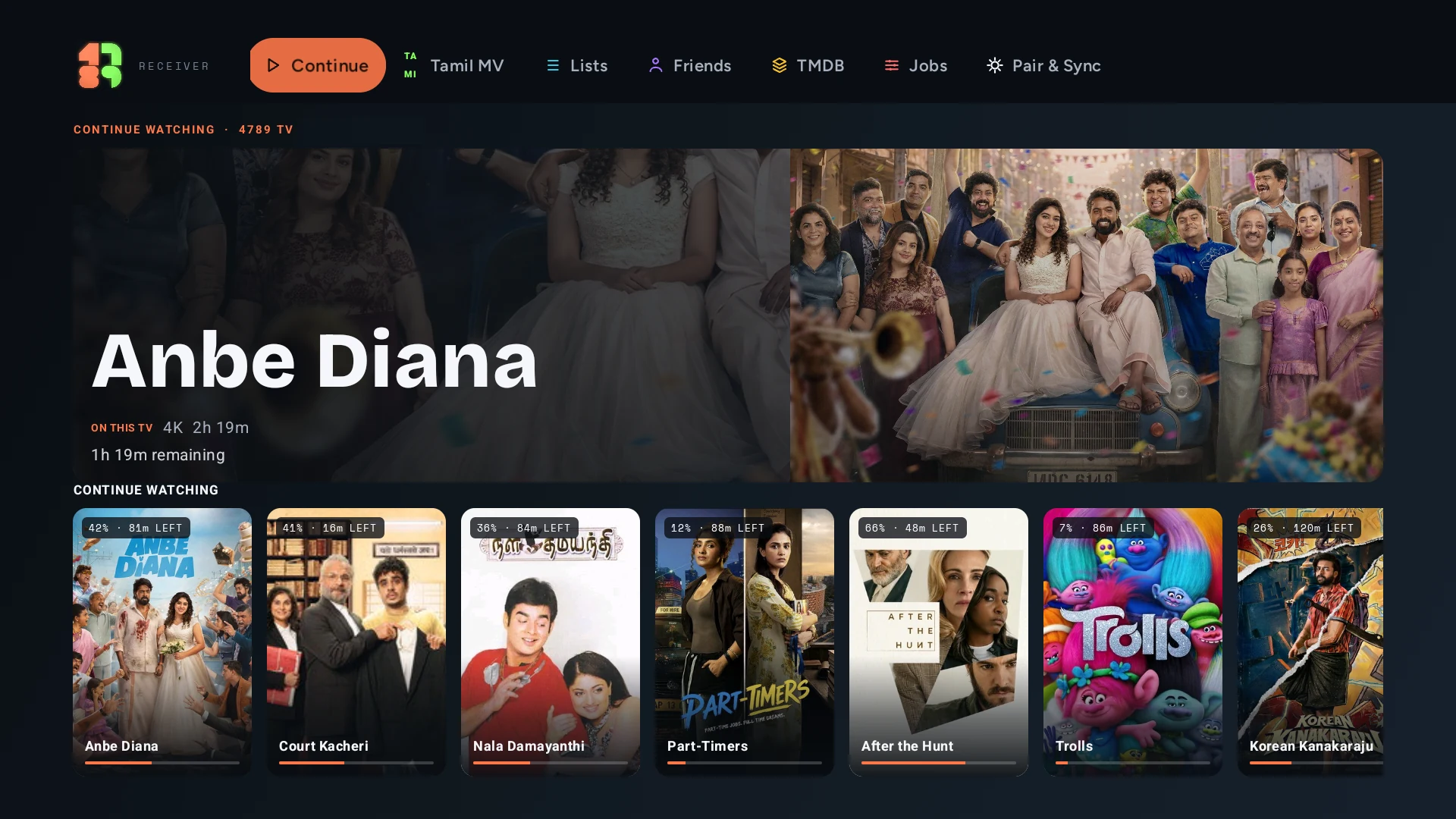
Open the release page
Use Downloader or a web browser on the television. Open the current 4789 TV release from the link below.
4789 TV turns an Android TV, Google TV, Fire TV, or NVIDIA Shield into a first-party destination. Open it, let your iPhone find it, and keep the room under control.
Public compatibility build · v0.1.34
Simulated receiver flow · deterministic demo
4789 TV is currently a sideloaded compatibility build. It is not available in the Play Store.
Use Downloader or a web browser on the television. Open the current 4789 TV release from the link below.
Allow installation from that app when Android asks. Install 4789 TV, then open it and leave its receiver screen visible.
Keep both devices on the same local Wi-Fi. 4789 can offer the ready TV automatically; choose Connect, then play a title.
The existing public compatibility build is v0.1.34. The next receiver release is being prepared in the new public home; newer development-workspace features are not part of the current public download yet.
59,236,985 bytes · SHA-256 bf50c58203f8dbf325085a31fb5475f59b51a9c020984dde86b3ccfac2cdd86b

Simulated receiver flow · deterministic demo
When the receiver is visible, 4789 looks for it on the local network and presents a clear Connect or Not now choice.
The TV advertises itself while its receiver screen is ready.
If the router suppresses normal discovery, 4789 checks the local subnet for a genuine first-party receiver.
The TV shows its local address, so difficult networks still have a direct setup path.
The television plays the media. The iPhone chooses, controls, and stays in sync.
Pause, resume, seek, or stop from the iPhone or the TV remote. Each side receives the receiver's current playhead and playback state.
Choose audio and subtitle tracks from the phone. Add an external subtitle, adjust its timing, or apply first-party appearance controls.
Profiles cover TV speakers, ARC, eARC, AVR, and multichannel PCM. Compatible routes can preserve direct audio; unsupported paths decode instead.
Connecting, opening, buffering, decoder trouble, and source failure remain distinct. Recovery is bounded, and the phone receives the receiver's reason when it cannot continue.
For receiver-fetched streams, playback continues when 4789 leaves the foreground. Return to the app and the remote reconciles with the receiver. Local files still need the phone and TV connected through Wi-Fi or the phone's hotspot while the phone serves the bytes.
Install the public compatibility build, leave 4789 TV visible, and continue from your iPhone.